
You know the drill. You need a clearer view of sales, or a simple animation to explain a report, but the work ends up waiting in someone else’s queue.
On 8 October 2026, Anthropic announced two beta features for Claude: Claude Dashboards and Claude Motion. One turns questions about connected business data into dashboards. The other turns reports, charts and ideas into editable animations.
That could make some everyday work easier to start. But it does not magically clean up your data, settle what your numbers mean or decide who should see sensitive information.
Here’s the practical version, without the launch-day hype.
These are new ways to create and share business outputs. They are not a substitute for reliable data, clear ownership or sensible access controls.
What Claude Dashboards does
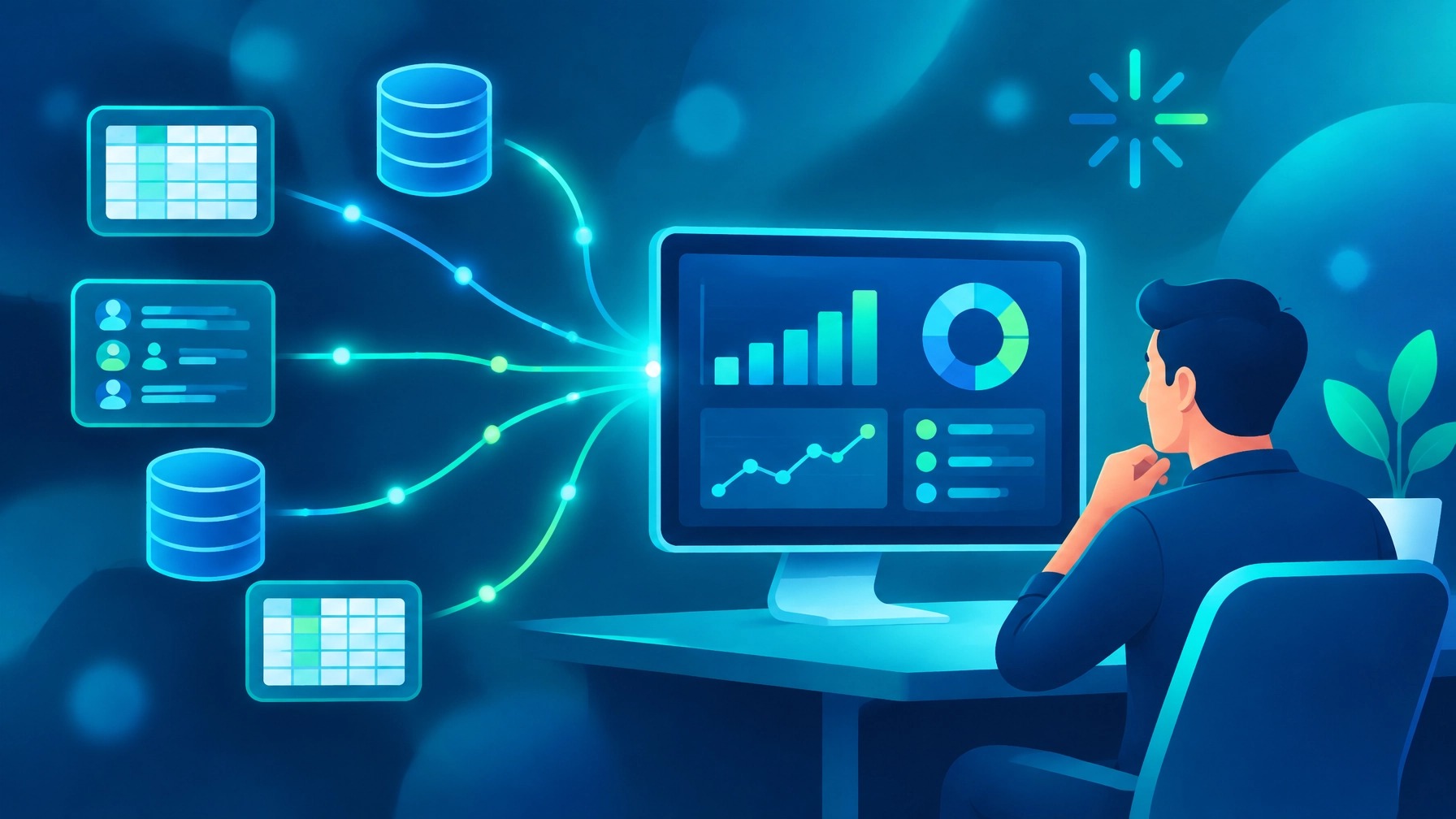
Claude Dashboards connects to selected data platforms, including Amazon Redshift, BigQuery, ClickHouse, Databricks and Snowflake, or CRM tools such as Salesforce.
You can ask a question in plain language. Anthropic’s example is: “Build a dashboard of this quarter’s revenue by region.” Claude then builds a dashboard from the connected data and can refresh it as that data changes.
There are a couple of useful visibility features:
- ✅ Click a chart to see the query behind its numbers.
- ✅ Check when that chart’s data was last refreshed.
- ✅ Send a dashboard onward to supported analytics and BI tools when you need to continue the work there.
Anthropic names Amplitude, Grafana, Hex, Mixpanel, Omni, Perplexity, PostHog and Sigma among the supported destinations, with Databricks Genie, Looker, monday.com and Tableau listed as coming soon. Anthropic describes Dashboards as working alongside BI tools, not replacing them.
Dashboards are in beta on paid Claude plans. Anthropic says Enterprise admins need to enable Dashboards, which are off by default for Enterprise.
What Claude Motion does
Claude Motion takes a different kind of job: explaining an idea visually.
You might ask it to “Animate how our pricing plans compare for the sales kickoff.” It creates an animation from elements such as text, charts, shapes and images. You can adjust the result in an editor and export it as an MP4.
One important distinction: Motion is not a video-generation model. It writes code to animate your material. It does not generate video footage or AI-generated people.
Anthropic says Motion is in beta on Team and Enterprise plans. The announcement lists Adobe, Descript, HeyGen, Higgsfield, invideo, Luma AI and Runway as places to open a Motion project, with Canva and Captions coming soon.
That may be handy when a report or static slide needs a more engaging explanation. It still needs a person to check the content, timing and final export.
Who in your business might use them?
Dashboards may be useful for people who regularly need to check business performance: an owner reviewing revenue, a sales lead checking pipeline activity, or an operations manager tracking a recurring metric.
Motion may suit people who explain information to others: someone preparing a sales kickoff, onboarding material or an internal update. It could help create a first animated version without starting the process in a specialist editor.
These are possibilities, not guaranteed outcomes. The best fit depends on your data, workflows, connected systems and the checks your team needs before sharing anything.
The broader market is moving in a similar direction. OpenAI shipped a data agent in ChatGPT Work about a month earlier. Snowflake and Databricks also have their own tools, Snowflake Intelligence and Databricks Genie. That’s useful context, but it is not a reason to assume one tool is right for every business.
A sensible starting point is to match the capability to the task, rather than collect another shiny subscription.
What a dashboard won’t fix
A dashboard can make information easier to view. It cannot make poor information reliable.
If customer records are duplicated, revenue categories are inconsistent or nobody agrees on what counts as a qualified lead, a neat chart won’t settle the argument.
In fact, a dashboard built on bad data can be a faster path to confident wrong answers.
Before connecting a source, ask whether the underlying records are maintained, whether the metrics mean what your team thinks they mean, and who is accountable for keeping them accurate.
That’s why we keep coming back to the basics: CRM first, AI second. A clean, well-managed customer system gives analytics and automation a stronger foundation. Our article on why AI needs to sit on top of a good CRM explains that principle in more detail.
Treat visibility as a governance feature
The query behind a chart and its refresh timestamp are more than handy details. They help people ask where a number came from and whether it is current.
Anthropic also says dashboards start private. Shared dashboards use each viewer’s own connections by default, so viewers only see data they already have access to. External sharing is possible only if an owner enables it. Enterprise admins must enable Dashboards and Motion, which are off by default.
Those controls are worth understanding before you connect business data. Ask which sources are being connected, what existing permissions allow, who can share a dashboard, and whether a viewer’s access is appropriate. Don’t assume a tool’s default settings answer every question for your business.
There is also a local privacy context. From 10 December 2026, transparency obligations under APP 1.7–1.9 apply to APP entities where the relevant conditions are met. The obligations concern automated decisions using personal information that could significantly affect an individual’s rights or interests. Many small businesses with annual turnover under $3 million are generally exempt from the Privacy Act, but exceptions apply, including to health service providers, businesses trading in personal information, credit reporting bodies and Commonwealth contractors.
This is a know your data prompt, not legal advice. Whether the obligations apply depends on your circumstances and how a system is used. For more context, see our guide to Privacy Act changes and AI use by Australian SMEs.
A quick self-check for owners
Before trialling either feature, ask:
- ⚠️ Is the data clean enough for us to trust what a dashboard shows?
- ⚠️ Who owns each metric and keeps its source data up to date?
- ⚠️ Who decides which data sources can be connected?
- ⚠️ Do we understand the permissions that apply to each source?
- ⚠️ Who can share dashboards, including outside the business?
- ⚠️ Who reviews an animation before it is sent to a customer or team?
If those answers are still unclear, start by tightening the process. The feature can wait.
The Evolve Way: Map, Ground, Execute
Map: Identify the business question or communication task worth improving. Be specific. “Understand sales better” is vague; “review this quarter’s revenue by region” is a clearer starting point.
Ground: Check that the data, definitions, permissions and review steps are fit for purpose. If your customer information is scattered, it may be worth addressing that foundation first.
Execute: Trial the feature on a well-defined use case. Have an authorised person check the result, decide who can access it and review whether it genuinely helps your workflow.
We take the same practical approach in our Claude workshops for Australian SMEs: learn what the tool does, connect it to real work and keep a person responsible for the output.
Anthropic also announced that Claude Docs, Slides and Design are out of beta and available on every plan, including Free. Its announcement notes that Artifacts now support customer-managed encryption keys and admin-controlled templates for organisations. It also says the standalone Claude Design site will fold into Claude on 14 December 2026.
For the full feature details and availability, read Anthropic’s 8 October announcement. Features and availability may change while products are in beta.
Want a clear next step?
You don’t need to adopt every new AI feature. You need to know whether one fits a real business need and what should be in place before you use it.
If you’d like to talk through your data, workflows or AI plans, book a discovery session. Your first session is free, with no obligation, no minimum spend and no credit card required.
We’ll focus on discovery, clarity and an honest view of what makes sense for your business.
This article provides general information only. It is not legal, financial, privacy or technology procurement advice, and it does not take your circumstances into account. It does not create an advisory relationship with Evolve With AI, and no warranty is made about the accuracy, completeness or suitability of information or tools discussed. Information is current as at 16 October 2026 and may change. Privacy obligations depend on your circumstances; seek advice from a qualified professional where needed. AI-generated outputs should be reviewed by an authorised person before use.
Anthropic, Claude, OpenAI, ChatGPT, Salesforce, Snowflake, Databricks, Amazon Redshift, BigQuery, ClickHouse, Tableau, Looker and monday.com are trademarks or brand assets of their respective owners. Other product names mentioned are trademarks of their respective owners. Evolve With AI is independent of these organisations and is not affiliated with, endorsed by or partnered with them. Product names are used for identification only.